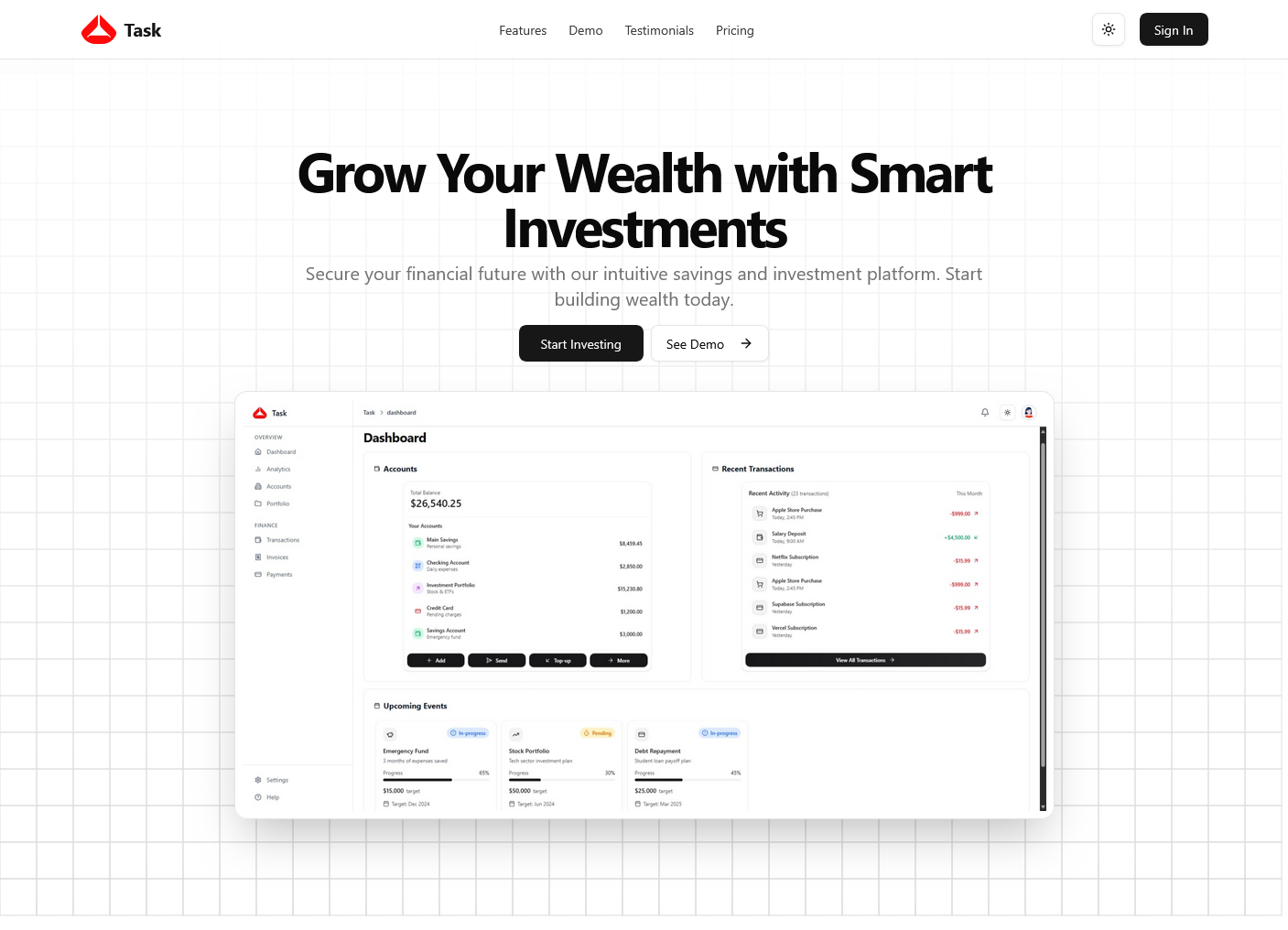
Task Dashboard
A modern, responsive dashboard application built with React and Vite, featuring comprehensive financial management tools with dark/light mode support and robust state management using Zustand.
Overview
Task Dashboard is a full-featured fintech application designed to help users track and manage their finances efficiently. The application provides a clean, intuitive interface for handling transactions, invoices, payments, and investments with real-time analytics and visualizations.
Features
- Modern UI: Clean, responsive interface with seamless light and dark mode support
- Financial Management: Track transactions, invoices, payments, bank accounts, and investments
- Dashboard Analytics: Visual data representation with interactive charts and key metrics
- State Management: Zustand-powered state management for predictable and efficient state handling
- Authentication: Secure user authentication with protected routes
- Responsive Design: Fully responsive layout that adapts to all device sizes
- Theme Switching: Seamless light/dark mode toggle with persistent user preferences
Tech Stack
- Framework: React - UI library for building interactive interfaces
- Bundler: Vite - Next-generation frontend tooling for fast development
- Styling: Tailwind CSS - Utility-first CSS framework
- UI Components: shadcn/ui - High-quality React components
- State Management: Zustand - Lightweight state management
- Icons: Lucide React - Beautiful icon library
- Language: TypeScript - For type safety and better developer experience
Getting Started
Prerequisites
- Node.js (v16 or higher)
- npm, yarn, or pnpm package manager
Installation
-
Clone the repository:
Terminal window git clone https://github.com/abdulkareemoj/task.gitcd task -
Install dependencies:
Terminal window # Using npmnpm install# Or using yarnyarn install# Or using pnpmpnpm install -
Start the development server:
Terminal window pnpm dev -
Open your browser and navigate to
http://localhost:5173